Made for the people running the sign.
Clear labels and large, recognizable controls help staff and volunteers—including people who aren’t comfortable with technology—find their way without a complicated manual.
 Call (616) 541-0023
Upload your pictures, set your schedule, and let SignRelief handle the rest. Built by a sign company for the staff and volunteers who use it every day.
Built, used, and supported by a sign company.
We know the frustration. We install signs, too.
We’re a sign company first. We’ve installed affordable, capable LED displays—and watched complicated software turn a good product into a frustrating experience for customers and the shops supporting them.
SignRelief grew out of those same headaches. We built it to make daily sign management easier for our own customers, then made it available to other sign companies. Our motivation is practical: fewer confusing steps, less time troubleshooting, and a sign that is easier to enjoy.
The point is relief for the people using and supporting the sign.
01 / SignRelief features
Clear labels and large, recognizable controls help staff and volunteers—including people who aren’t comfortable with technology—find their way without a complicated manual.
Finally learning a system shouldn’t mean starting over after the next redesign. We improve SignRelief while keeping its familiar look, feel, and everyday workflow at the center of those changes.
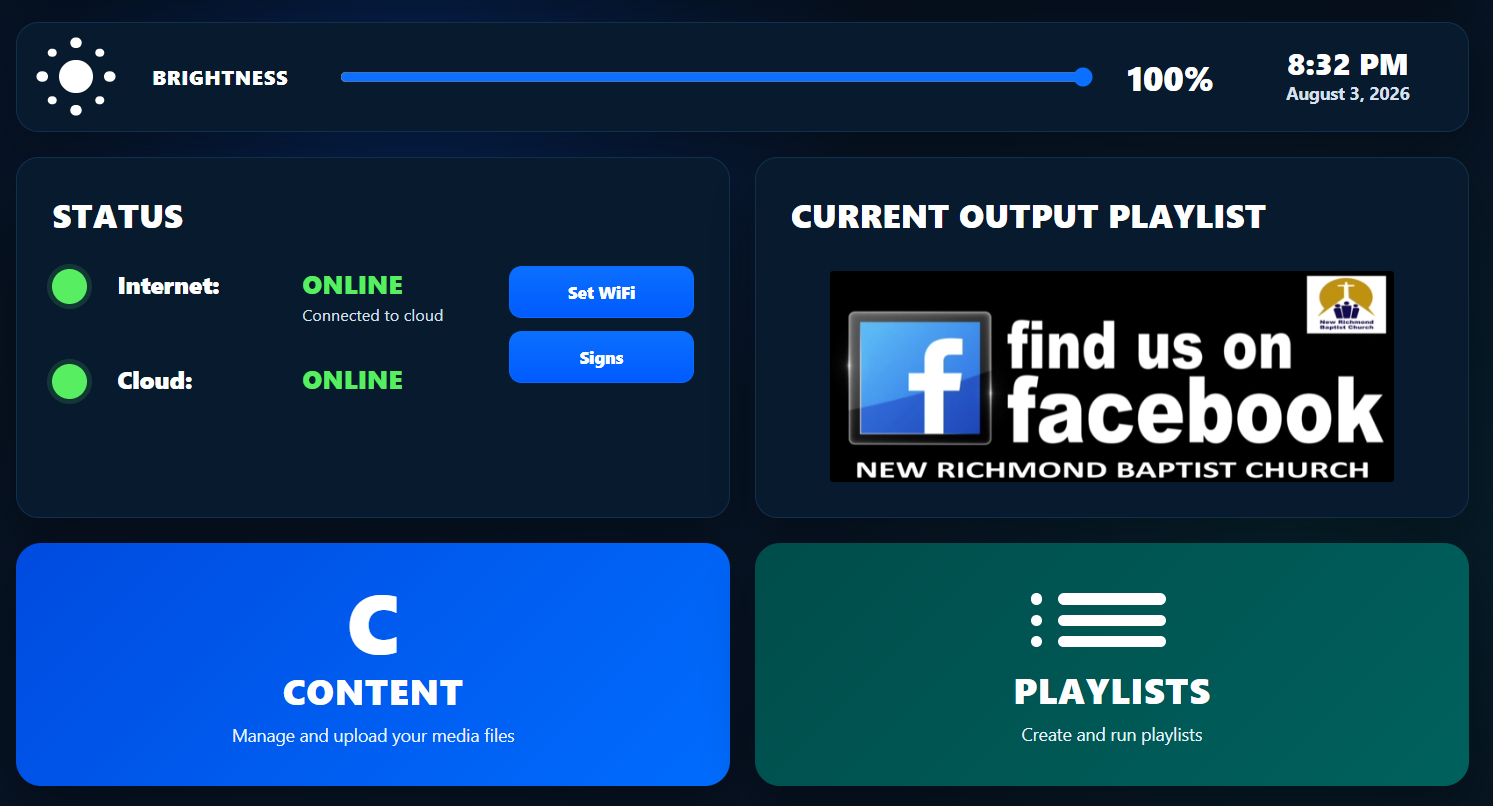
No hunting through menus for a screenshot button. The current output playlist is visible on the dashboard. If sending fails, SignRelief keeps you in the sending workflow instead of returning you to the dashboard as though the job were finished.
02 / Automatic brightness
Enable Auto Brightness from the SignRelief dashboard to adjust your sign for day and night automatically.
The switch is right on your dashboard. SignRelief uses sunrise and sunset at your sign’s location to handle the changes.
One switch. Automatic day-to-night control.
Look beside the brightness percentage in the top control bar.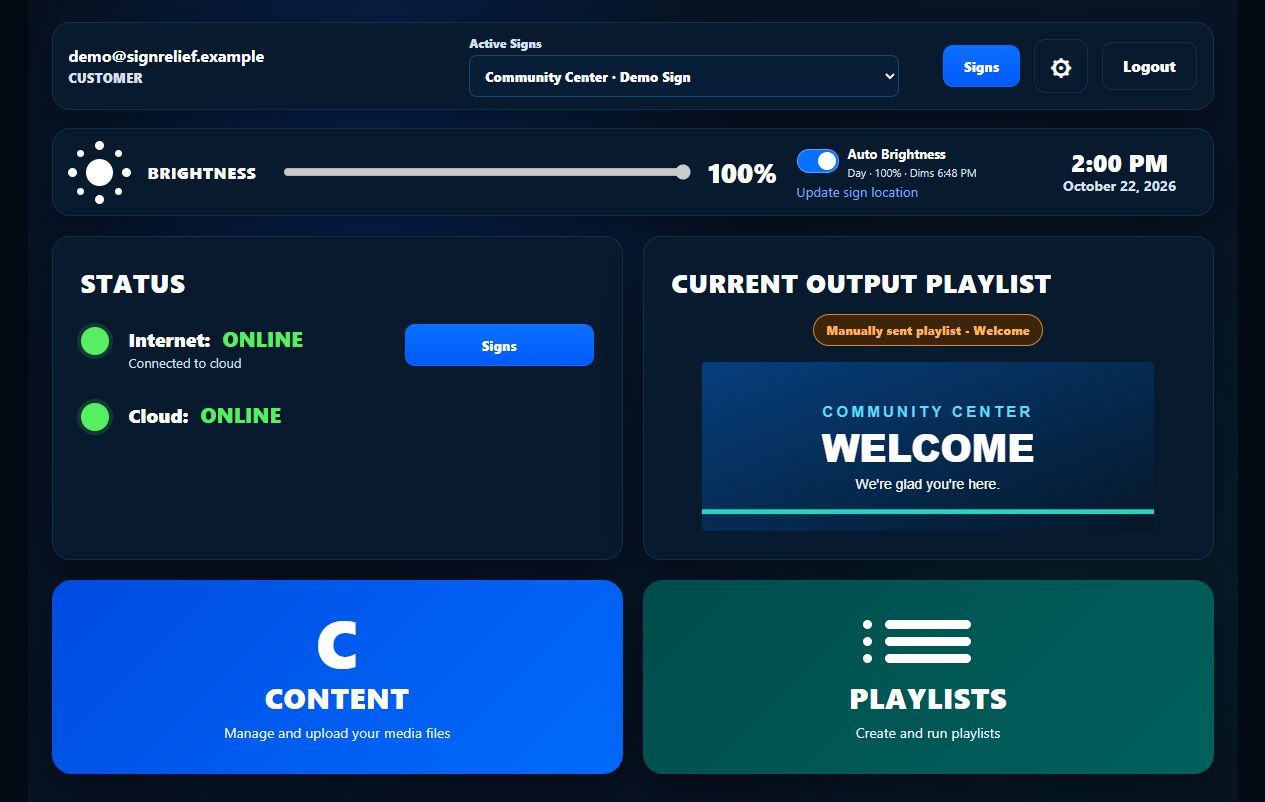
Sign location is established during setup. Screens show example settings and demonstration content.
03 / Set it and get back to your day
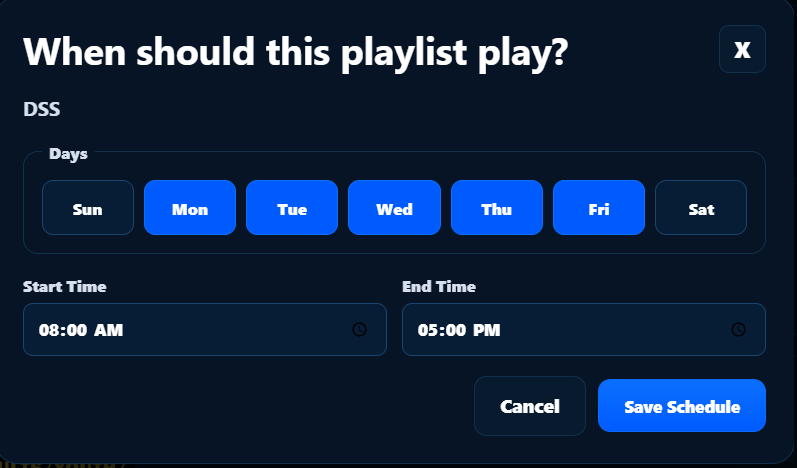
Choose when a playlist should run and save your schedule. Business hours, weekly services, school activities, and special events can take care of themselves without someone remembering to change the sign.
Use a browser on your phone, tablet, or laptop to update an internet-connected sign. Your content library and saved playlists are there when you need them.
04 / Flexible connections. A local way back in.
Every installation is different. SignRelief gives you choices for getting online—and a direct way to reach your sign if that connection goes away.
INDEPENDENT OF BUILDING WI-FI
Give your sign its own internet connection and avoid relying on the building’s Wi-Fi. It’s a practical option when Wi-Fi is unreliable or out of reach.
Cellular service and monthly data fees may apply. Coverage depends on the location and carrier.
USE THE CONNECTION YOU HAVE
The player’s external Wi-Fi antenna helps it connect to your existing network. Use the internet service you already have, without adding a cellular data plan.
Usable range depends on distance, obstructions, and your network.
IF THE INTERNET CONNECTION DROPS
The player broadcasts its own local Wi-Fi access point. From a nearby phone or laptop, you can send content locally or reconnect the player to your network yourself.
No cloud connection is needed for local access. You must be within the player’s hotspot range.
Lost the Wi-Fi password? Changed routers? You have a local way back in—without automatically calling a sign company out.
05 / Animated weather
Select Time & Weather to add local time, temperature, and animated conditions to your playlist. Once your sign’s location is set, SignRelief creates the graphics automatically.
Live weather updates require internet access. These previews use illustrative conditions and temperatures.
06 / A simpler path for existing NovaStar signs
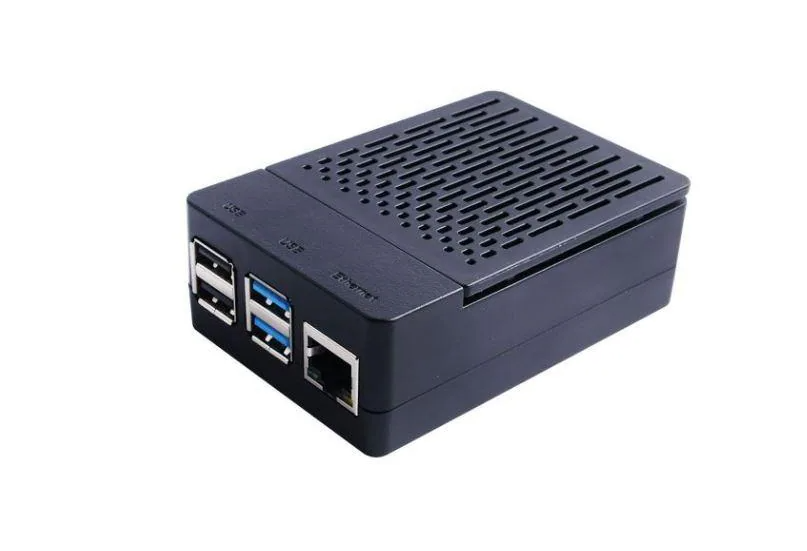
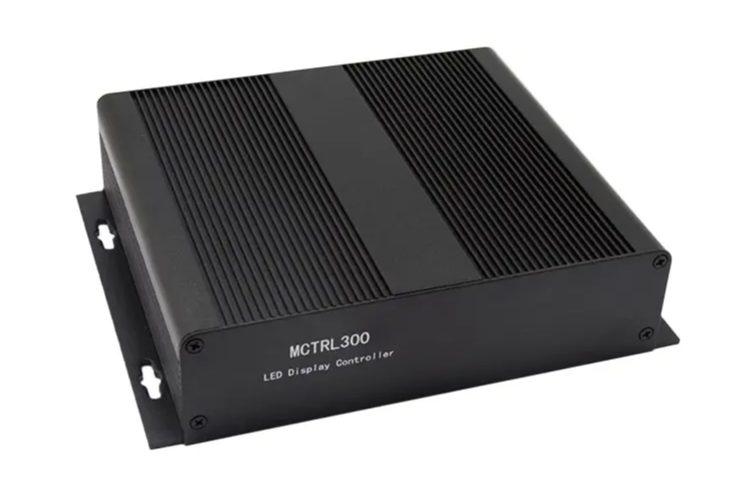
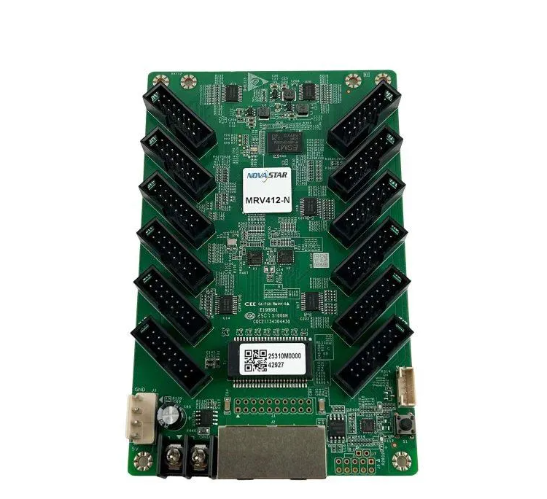
A frustrating software experience does not have to mean replacing a good LED sign. For compatible installations, we replace the NovaStar T-series controller with a SignRelief player and a NovaStar MSD300 sending card, while retaining the existing NovaStar receiving cards.
Your existing LED display stays.
 01 · NEW
Your content, schedules, brightness, and remote connection.
 02 · NEW
Configured for your sign’s size and layout. MCTRL300 pictured.
 03 · KEEP
Compatible NovaStar receiving cards and your LED display remain.
Remote configuration, built into the installation. A permanent USB control connection links the player and sending card. With internet access and remote service configured, you or your sign shop can make supported configuration changes without connecting a laptop at the sign.
PREPARED BEFORE IT ARRIVES
Give us the sign’s dimensions, pixel resolution, and receiving-card details. We can configure the sending box for the display before shipment, so you are not starting from a blank configuration screen at the installation.
Remote screen/card configuration
Direct USB configuration can mean reaching a controller inside an elevated sign while balancing a laptop. After a SignRelief conversion, an internet-connected, remotely configured system lets customers or their sign shop make supported controller and receiving-card configuration changes remotely—without another trip up a ladder or a bucket truck just to connect the laptop.
MSD300 video input and control connections follow NovaStar’s specifications. NovaStar and VNNOX are trademarks of their respective owners. SignRelief is developed independently by Digital Sign Solutions.
For sign shops and LED display providers
We know the call: “I just want to change the picture on my sign.” SignRelief helps your customers handle everyday updates, while giving your team administrative access to the accounts and signs you support.
Talk to us about partner accessManage supported customers and signs without piecing together separate workflows.
Assist with content, playlists, schedules, brightness, and sign status remotely when the sign is connected.
DSS helps with compatibility, conversion, onboarding, and ongoing questions. You’re talking to a sign company that understands the installation as well as the software.
Your sign should be an asset, not another task to dread.
Tell us about your existing sign or your next installation.
We’ll help you find a practical path to simpler sign management.